

Laser levels are incredibly powerful tools that can save hours on projects like tiling, framing, installing cabinets, or hanging shelves. However, even experienced users sometimes make simple mistakes that lead to inaccurate lines, wasted time, and frustrating rework.
In this guide, we'll cover the 7 most common laser level mistakes — including why your laser level might not be accurate — along with practical solutions and prevention tips to help you get perfect results every time.
1. Placing the Laser on an Unstable Surface or Tripod
One of the top laser level mistakes is setting up on a wobbly tripod, uneven floor, or shaky surface. Even tiny vibrations can cause the beam to drift, ruining your entire layout.
How to avoid it:
- Always use a sturdy tripod or mounting bracket
- Check stability before turning on the laser
- For floor work, consider a floor stand or magnetic mount on metal surfaces
Here's a perfect example of a stable, professional setup vs. a risky one:


2. Trying to Use the Laser in Bright Sunlight Without Proper Equipment
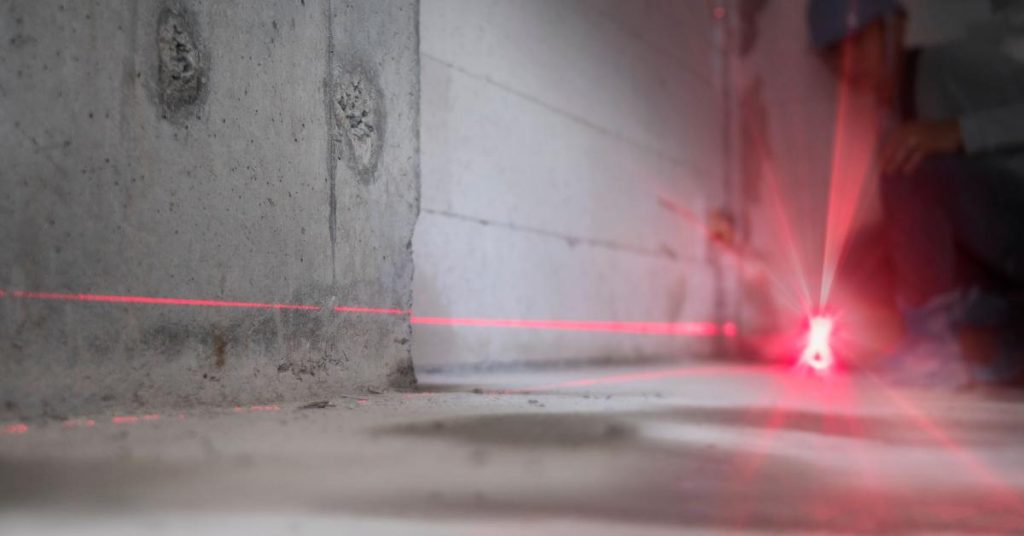
Many beginners complain: "Why is my laser level not accurate outdoors?" Often it's because red beams (or even some green ones) become nearly invisible in direct sunlight.
Solution:
- Choose a green laser level — green beams are up to 4× more visible than red
- Use a laser detector/receiver for outdoor work beyond 50–100 ft
- Work in shaded areas when possible
Compare the visibility difference:

3. Forgetting to Unlock the Pendulum / Self-Leveling Mechanism
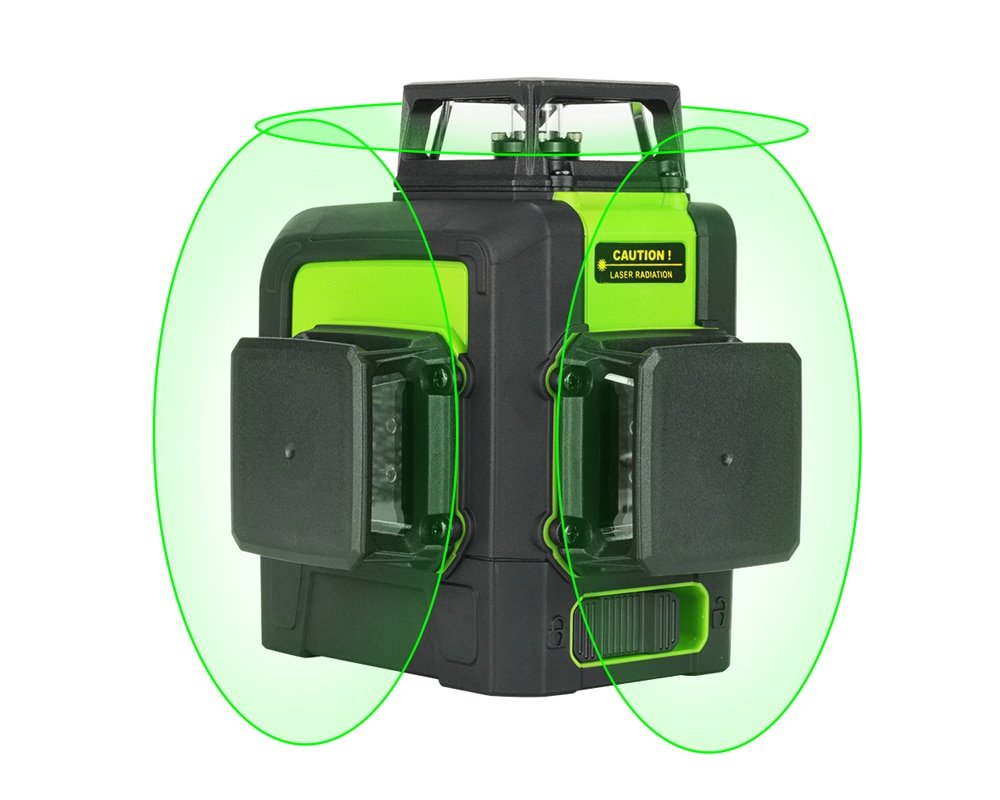
Most modern laser levels have a pendulum lock for transport safety. If you forget to unlock it, the laser either won't turn on properly or the beam won't self-level — resulting in slanted, inaccurate lines.
Prevention tip:
- Always check the lock switch before use (usually marked "Lock/Unlock")
- Look for a flashing or blinking beam — it's a common warning sign
See the difference between locked and properly unlocked operation:
4. Ignoring Low Battery or Using Weak Batteries
Low battery is one of the sneakiest common laser level errors. As power drops, the beam can dim, flicker, or lose accuracy — even if the unit is still "on."
Fix:
- Always start projects with fully charged batteries
- Carry spares or use rechargeable models
- Watch for low-battery indicators (flashing lights or beeps)
Low battery impact example:

5. Exceeding the Self-Leveling Range
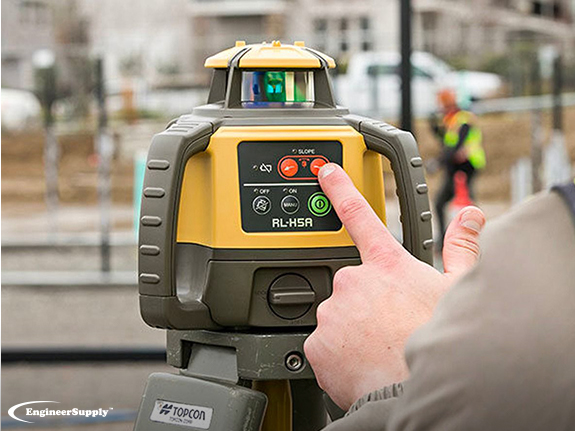
Self-leveling lasers typically work within ±3° to ±4°. If the tool is tilted beyond this range, it won't compensate — and many models will flash or shut off the beam as a warning.
How to prevent:
- Use the built-in bubble vial to roughly level the base first
- Pay attention to warning indicators (flashing beam or audible alert)
- Reposition the tripod if needed
Correct self-leveling in action:
6. Not Waiting for the Laser to Fully Self-Level
Rushing the setup is a frequent laser level troubleshooting issue. Many users start marking lines before the self-leveling process completes (usually 3–5 seconds).
Best practice:
- Wait for the beam to stop moving and become steady
- Listen for the beep or watch for solid (non-flashing) lines
7. Choosing the Wrong Type of Laser Level for the Job
Using a basic 2-line cross laser for a large room or complex layout often leads to constant repositioning and errors.
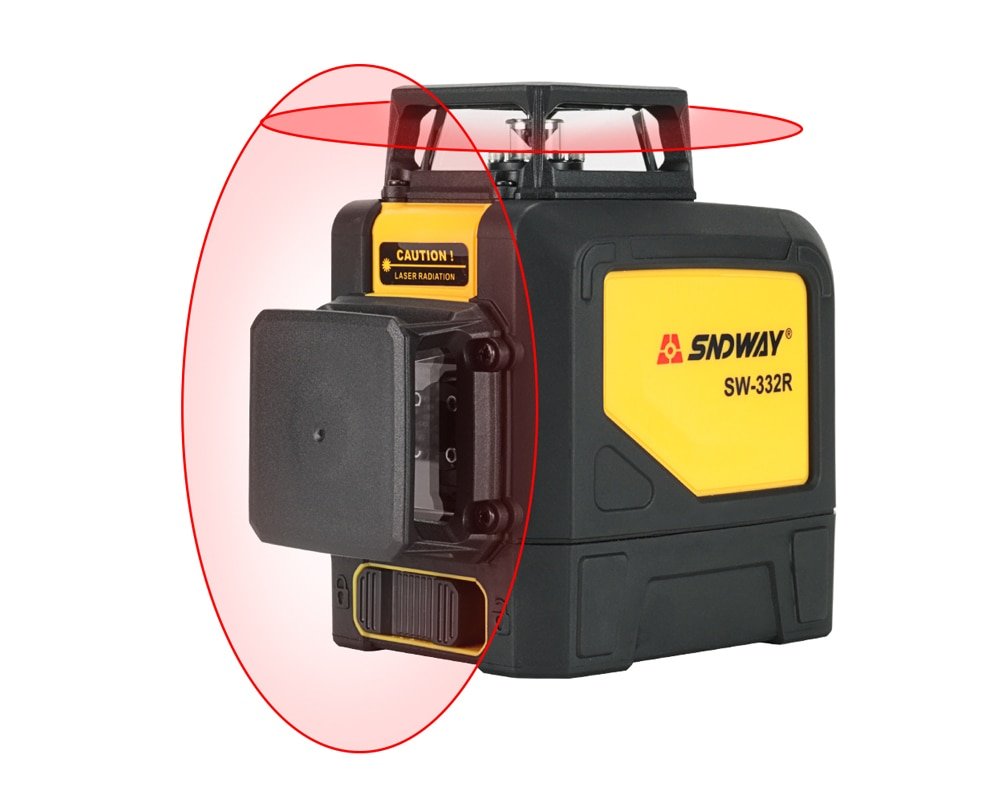
Recommendation: Upgrade to a model with multiple lines or 360° coverage for faster, more accurate work.
Bright, multi-line green laser example for professional results:
Bonus Tip: Invest in Quality to Avoid Headaches
Cheap laser levels often suffer from poor self-leveling, dim beams, and short battery life — multiplying the chances of these common mistakes.
For reliable performance, bright visibility, and durable design, check out the KIPRIM laser level collection.
Top recommendations:
- KIPRIM Green Laser Level Upgraded LV8 — Excellent brightness and accuracy for most home & pro projects
- KIPRIM Green Laser Level LV8D – 5 Enhanced Lines — Perfect for larger spaces with full-room coverage
Avoid these laser level mistakes, follow the tips above, and you'll enjoy precise, professional results on every job.
Happy leveling! 🔨✨
0 Kommentare